Google Maps Is Getting Tourists Into Situations That Locals Would Never Walk Into — Here’s the Specific Ways It Fails You
We may earn money or products from the companies mentioned in this post. This means if you click on the link and purchase the item, I will receive a small commission at no extra cost to you ... you're just helping re-supply our family's travel fund.
A couple arrives in Rome after a 10-hour overnight flight. They’ve done their homework — they have a list of restaurants they want to try, pulled from a travel blog and cross-referenced with Google Maps ratings. Their first lunch spot shows 4.4 stars, 847 reviews, a queue of “usually not too busy” on Tuesday afternoons. They navigate there from their hotel. They find a shuttered storefront with a paper sign taped to the door in Italian.
This is not a Rome problem. It’s a Google Maps problem that happens to manifest in Rome — and in Paris, and in Bangkok, and in Lisbon, and in literally every city where travelers rely on a mapping tool that is better at some things than it is at others, and where the gap between what Google Maps promises and what it delivers can range from inconvenient to genuinely dangerous.
The Restaurant Problem: Closed, Permanently, Six Months Ago
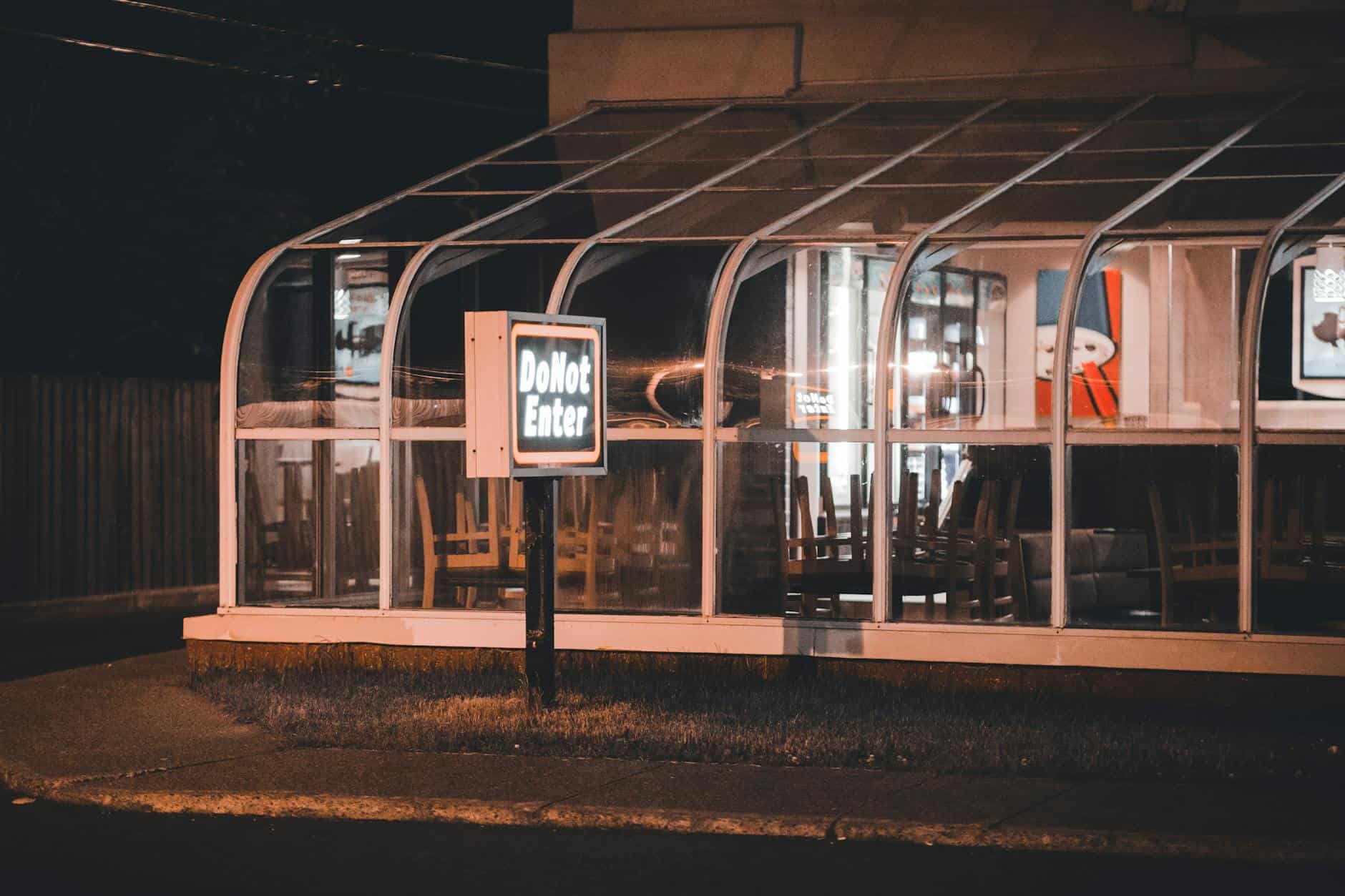
Google Maps relies on a combination of owner-submitted data, automated data collection, and user contributions to keep restaurant listings current. The system works reasonably well in high-traffic, well-connected urban markets in wealthy countries. It breaks down in predictable ways:
- Restaurants that close don’t always notify Google. A small family-run restaurant in Naples or Oaxaca or Hanoi doesn’t have a Google My Business relationship. When it closes, the listing persists until enough users report it closed to trigger removal — which can take six months to a year.
- Seasonal closures are inconsistently marked. Many restaurants in tourist destinations close for one to three months in the off season. Google’s system for displaying this is imperfect, and a restaurant listed as “open” may simply be operating on seasonal hours it never updated in the system.
- Post-pandemic closures are still appearing. The wave of restaurant closures in 2020 and 2021 left a long tail of listings for businesses that no longer exist. Even in 2025 and 2026, travelers report finding Google Maps listings for restaurants that closed four years ago.
- Ghost kitchens and virtual restaurants are indistinguishable from real ones. A food delivery operation that has a commercial kitchen address but no physical dining presence can appear on Google Maps identically to a sit-down restaurant.
The result: in any major tourist city, an estimated 5 to 15 percent of restaurant listings on Google Maps are either closed, operating on significantly different hours than listed, or misrepresented in some material way. For a traveler with limited time and strong expectations, that failure rate is significant.
The Routing Problem: Technically Correct, Practically Wrong
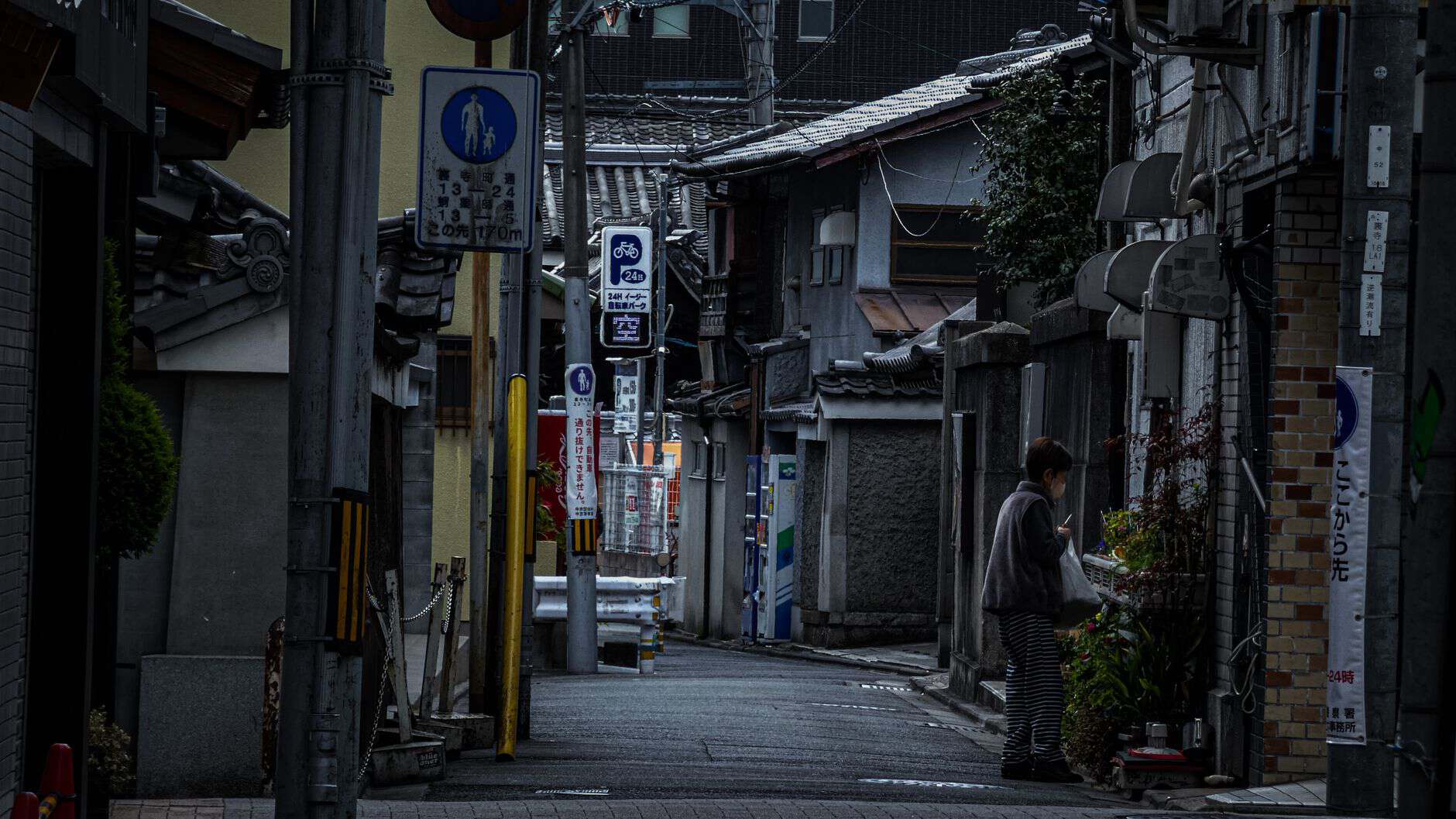
Google Maps walking directions optimize for distance and time. They do not optimize for safety, pleasantness, lighting, or whether the route will take you through an underpass at midnight that no local would use.
Specific ways routing fails:
- Pedestrian routes that cross non-pedestrian infrastructure: In cities with complex highway interchanges, Google Maps will sometimes suggest walking routes that cross on-ramps, cross freeway access roads, or navigate infrastructure designed for vehicles. Technically navigable on foot; practically dangerous.
- Shortcuts through unfamiliar neighborhoods: The algorithm’s shortest-path routing often cuts through residential areas, industrial zones, or neighborhoods that tourists have no context for evaluating. In cities with significant neighborhood-by-neighborhood safety variation, this is not a trivial issue.
- Routes that work in daylight but not at night: An underlit park path that makes sense as a shortcut at 2pm is a different proposition at 11pm. Google Maps doesn’t adjust routing recommendations by time of day for safety.
- Train station navigation in complex hubs: Google Maps walking directions inside train stations — particularly multi-level European stations or complex Asian transit hubs — are frequently inaccurate, sending travelers to the wrong entrance, wrong platform area, or wrong exit for their onward connection.
The Neighborhood Problem: What the Algorithm Can’t See
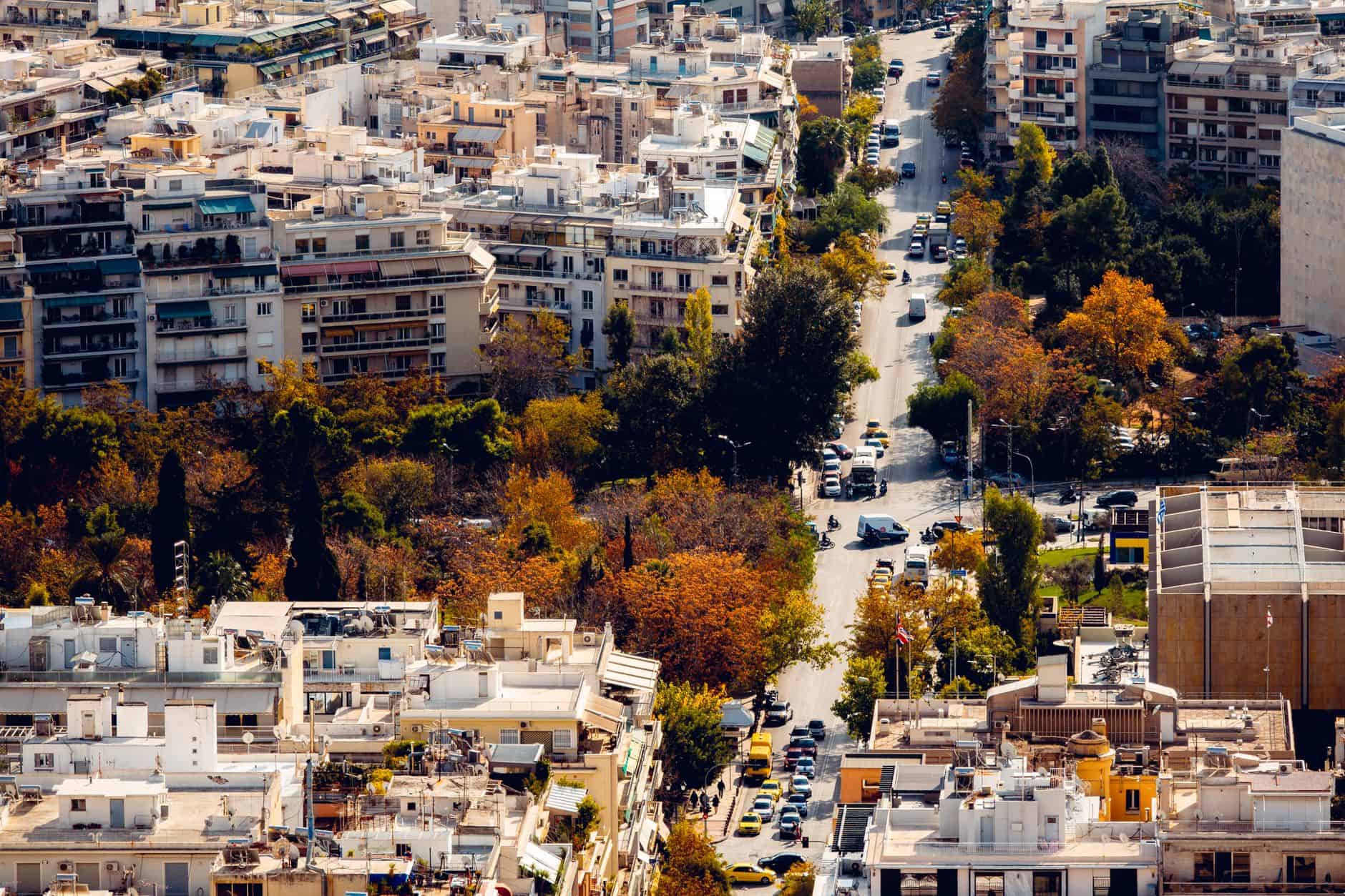
This is the category with the most serious potential consequences. Google Maps has no reliable mechanism for communicating neighborhood-level safety context to travelers.
The algorithm can tell you the distance from your hotel to a recommended attraction. It cannot tell you that the route crosses through a specific block with a consistent pattern of bag snatchings. It cannot tell you that a particular neighborhood is fine during the day and different at night. It cannot tell you that the “park” on the map is where locals don’t walk after 9pm.
This is information that:
- Is known to locals and known to experienced travelers who have spent time there
- Is available in travel forums, Reddit threads, and Lonely Planet’s street-level safety notes — but requires active research to find
- Is emphatically NOT available from the map itself, which treats all streets with equal navigational confidence
The specific cities where this gap is most consequential tend to be large, complex urban environments where neighborhood safety varies sharply at a block-by-block level — many Latin American cities, parts of South African cities, certain neighborhoods in Southeast Asian capitals, and even specific pockets of Western European cities that have undergone rapid demographic change.
The Rating Problem: Why 4.2 Stars Might Mean Almost Nothing
Google Maps reviews have the same structural problems as every consumer review system, compounded by tourism-specific distortions:
- Tourist restaurants systematically outperform local restaurants in volume. A restaurant in a high-traffic tourist zone accumulates hundreds of reviews quickly from visitors who each come once. A beloved neighborhood restaurant visited primarily by locals may have 40 reviews from regulars who never thought to leave one. The rating system rewards visibility over quality.
- Reviews are not location-adjusted. A “3-star” rating means different things in different markets. A highly-rated restaurant in a destination with low restaurant standards may be mediocre by international standards. A mid-rated restaurant in a market with high competition may be exceptional.
- Review bombing and paid review manipulation are documented problems. Businesses pay for positive reviews. Competitors file negative review campaigns. Google’s detection system catches some of this and misses some of it.
- The recency weighting is imperfect. A restaurant that was excellent two years ago and has since changed ownership, chef, or quality profile may still be sitting on a high rating accumulated under the prior regime.
The Business Hours Problem: The Gap Between Listed and Real
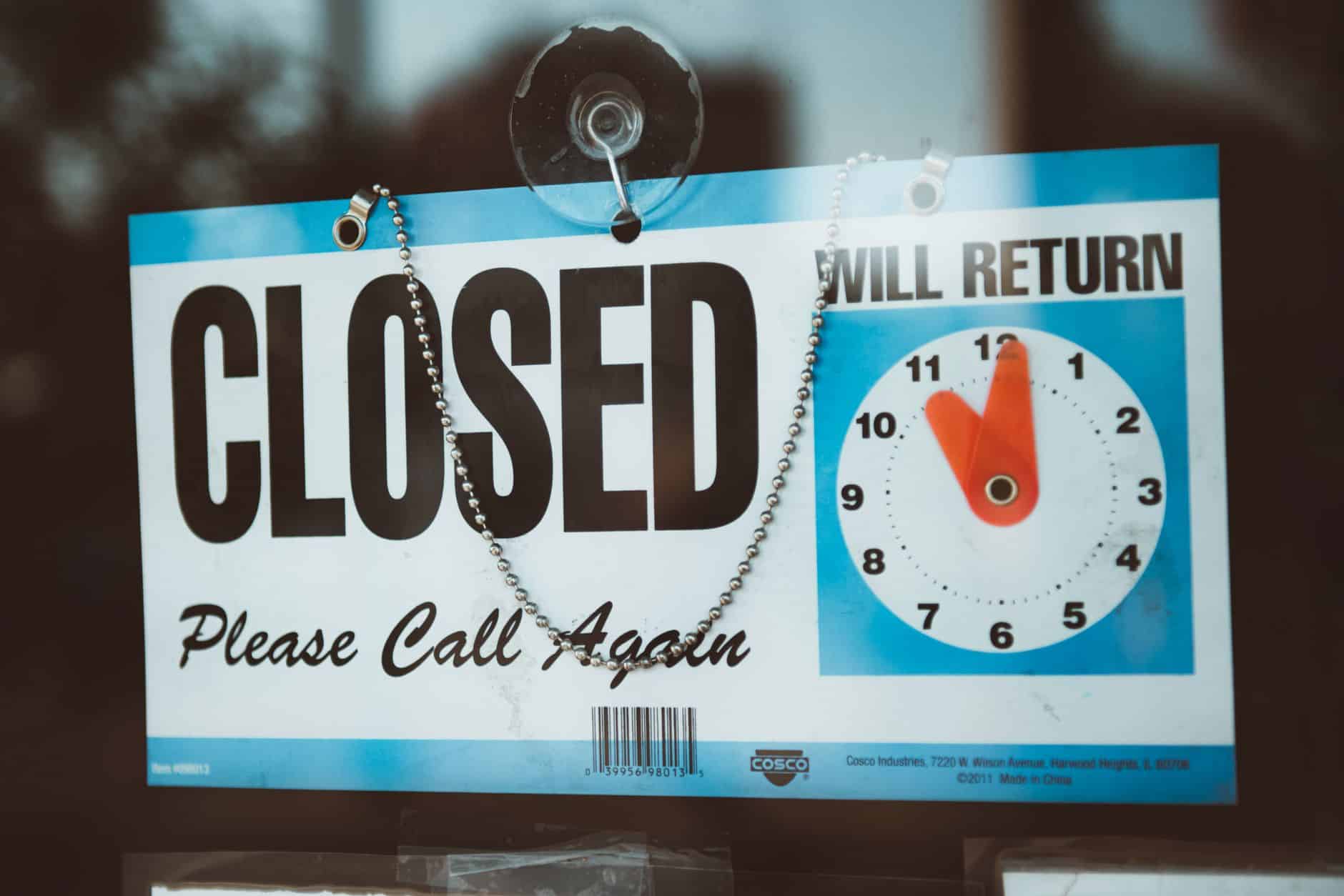
In markets where digital adoption is high and businesses actively manage their Google My Business profiles, listed hours are usually accurate. In markets where this isn’t true — which includes most of the world’s most interesting travel destinations — the hours gap is significant:
- Many small businesses in Southern Europe, Latin America, and parts of Asia observe siesta hours, holiday closures, and irregular schedules that are not reflected in Google’s listings
- “Holiday hours” as a category is underutilized and country-specific — a business in Spain that closes for a regional holiday has no reliable mechanism for communicating this in advance on Google Maps
- Some businesses list their desired hours rather than their actual hours — the hours they aspire to keep, not the hours they realistically operate
What Google Maps Gets Right That No Alternative Fully Replaces
Honesty requires acknowledging what Google Maps does extremely well:
- Real-time traffic routing in urban environments with active traffic data
- Transit directions in cities with well-digitized transit systems
- Discovering options in a category near your location — the “restaurants near me” use case where you’re filtering by what’s open now and willing to browse
- Street View as a pre-arrival orientation tool, letting you see what a hotel entrance, museum entrance, or transit stop actually looks like before you need to find it
- Offline maps for areas with limited connectivity
None of the alternatives — Apple Maps, HERE Maps, Maps.me, Organic Maps — replicate all of these functions better. The answer isn’t to abandon Google Maps. It’s to understand its specific blind spots.
The Specific Cities Where Google Maps Fails Tourists Most Consistently
Based on accumulated traveler reports and forum discussions:
- Rome and Naples: Restaurant closure and hours accuracy are notably poor. The density of historic centers makes routing suggestions that look reasonable on a map feel chaotic on foot.
- Bangkok and other major Southeast Asian cities: Numbering systems on streets are inconsistent, and Google’s navigation in complex market districts and soi (side street) networks can be genuinely confusing.
- Mexico City: The neighborhood context problem is acute — colonias (neighborhoods) vary sharply in character in ways the map doesn’t convey.
- Marrakech and other medina cities: Google Maps in medina (old city) environments is essentially decorative. The narrow, unnumbered lanes, dead ends, and non-navigable passages make routing suggestions unreliable.
- Tokyo: Paradoxically, Google Maps in Tokyo can mislead on building and entrance locations due to the complexity of floor numbering, underground connections, and the multiple entrances to large buildings labeled identically.
What to Actually Do Instead

Practical adjustments that experienced travelers make:
- Verify restaurant existence before going. Check the restaurant’s Instagram or website directly (if they have one), or look for mentions in a travel forum within the last six months. If the most recent review is from 18 months ago, consider that a yellow flag.
- Use Google Maps for discovery, use local knowledge for routing. Find the attraction on the map, then ask your hotel concierge or a local which way to walk there. This takes 30 seconds and avoids the underpass problem.
- Read Wikivoyage for neighborhood context. Wikivoyage’s articles on major cities typically include honest, community-maintained safety information at the neighborhood level — something Google Maps doesn’t attempt.
- Download offline maps from Maps.me or Organic Maps as a backup. In areas with connectivity problems, these apps use OpenStreetMap data that can be more current for certain types of local businesses.
- In medina cities, hire a guide. No app navigates Fez or Marrakech effectively. The money spent on a guide for the first half-day is worth significantly more than the hours saved by not getting lost.
Google Maps is an extraordinary tool that has genuinely changed travel for the better. It is not a substitute for local knowledge, it is not a reliable arbiter of business hours, and it is not equipped to tell you whether a route is actually a good idea. Use it accordingly.