We may earn money or products from the companies mentioned in this post. This means if you click on the link and purchase the item, I will receive a small commission at no extra cost to you ... you're just helping re-supply our family's travel fund.
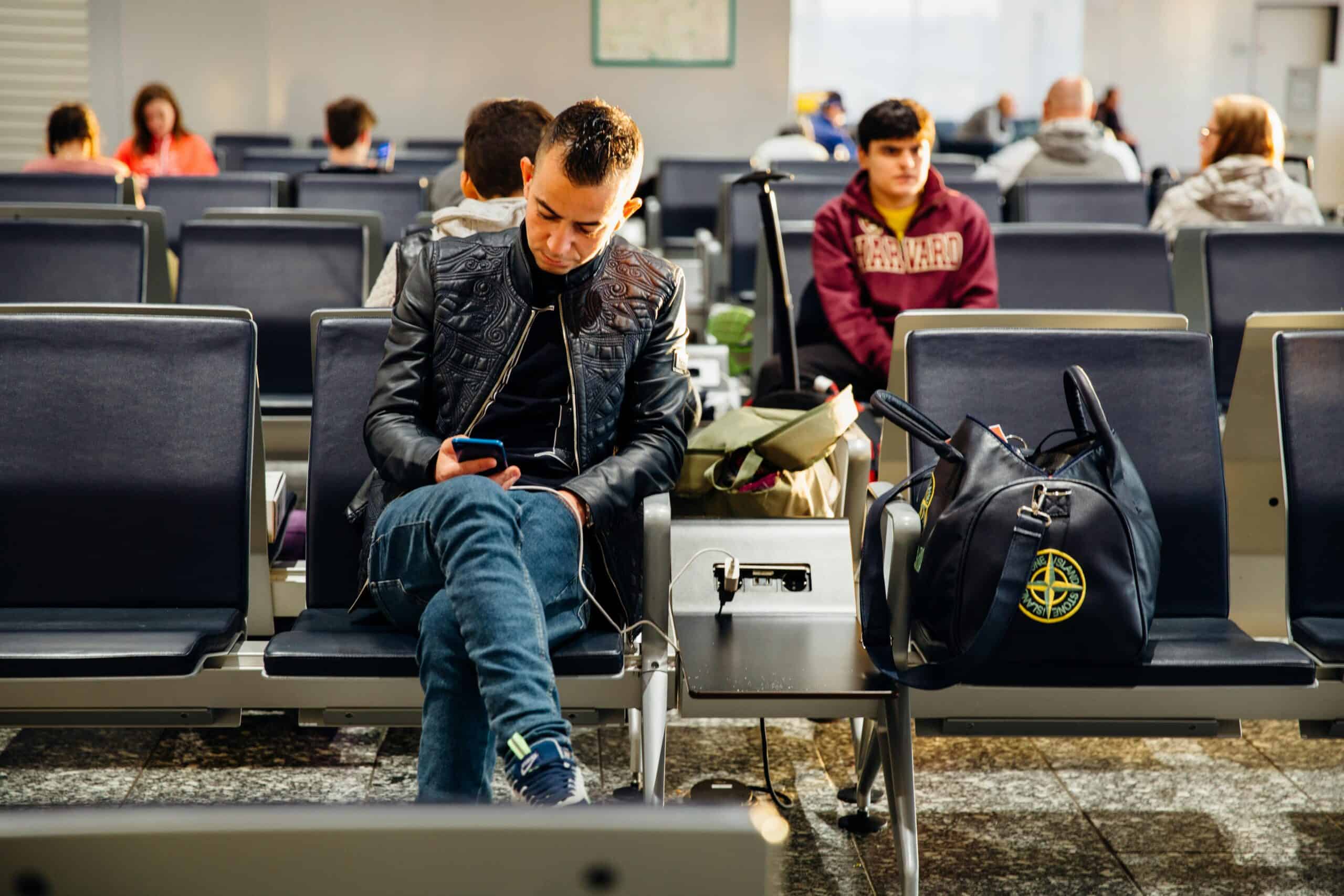
Airports are built to keep people moving, but charging zones do the opposite. They gather tired travelers around a few ports, phones unlocked, bags open, and attention split between gate screens and low batteries. That convenience is exactly why public USB charging keeps showing up in security warnings. A USB port is not only electricity. It can also expose a data connection, a tampered kiosk, or a cable designed to trick a device into trusting it. The threat is not constant catastrophe, but it is consistent enough to deserve better habits.
USB Ports Are Data Interfaces, Not Just Outlets
USB is not a dumb power socket. It is a communications channel, which means a public port can negotiate a connection the same way a laptop does, announcing itself as an accessory and asking the device to respond. If a station is modified, it can try to trigger data modes, prompt for trust, or exploit human impatience when a battery is flashing red and a boarding call is already echoing. Modern phones often default to charge-only and show a permission screen for data, yet the entire setup relies on the traveler noticing, understanding, and refusing at the right moment in a noisy gate area, often while juggling bags, kids, and messages.
Official,Looking Kiosks Can Still Be Altered
Charging bars live in public space, handled by crowds, cleaned at night, and serviced through layers of contractors, which is the kind of environment where small hardware changes can go unnoticed. That can be as mundane as a swapped faceplate or as deliberate as a charger designed to behave like a computer, and there is no quick visual test that proves what is behind the port when the gate is packed and time is short. The FBI’s Denver office has warned that public USB ports can be used to introduce malware and monitoring software, so the official look becomes part of the problem, because travelers are trained to trust signage and move on.
The Cable Can Be the Weak Link
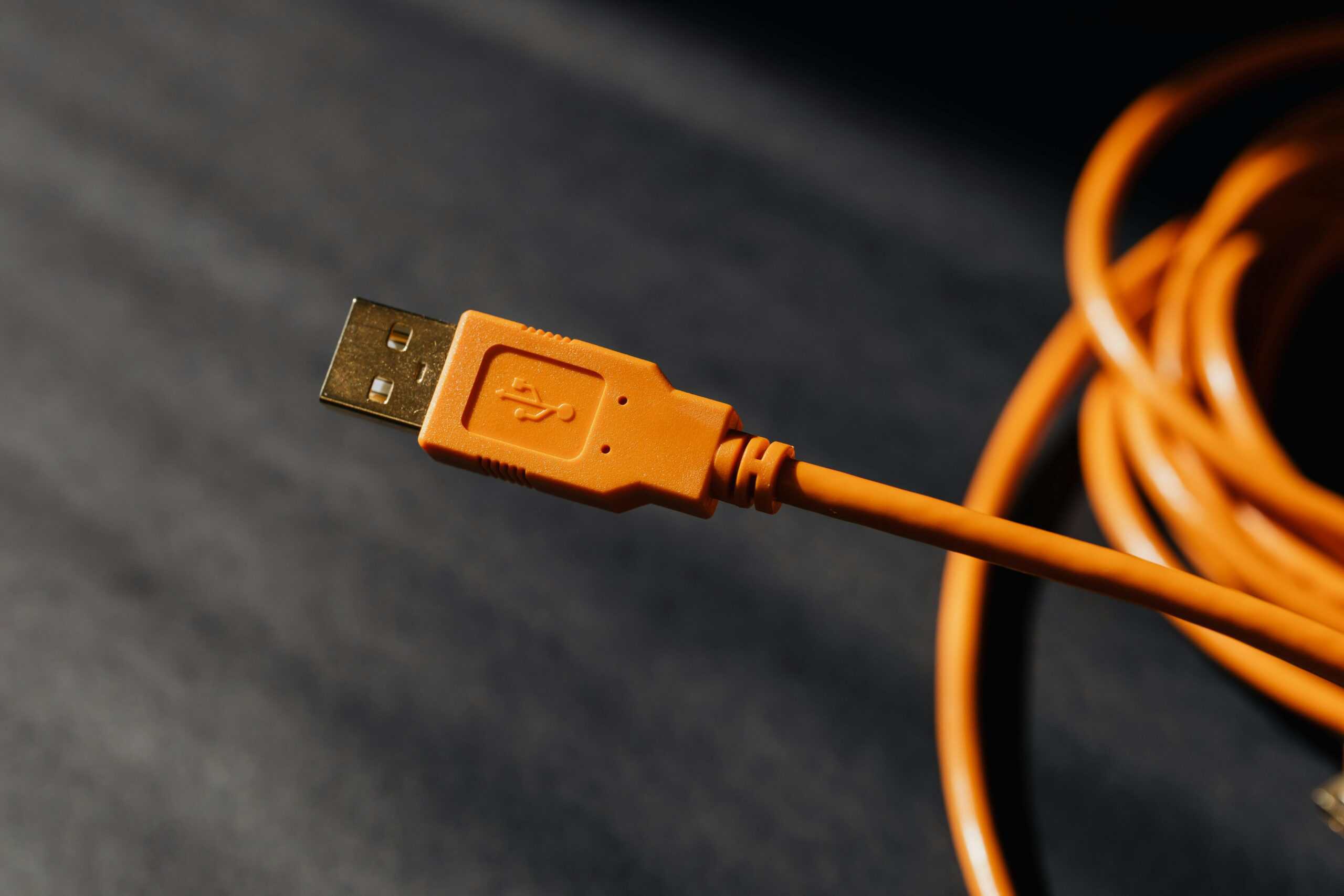
Airport charging risk is not only about the port. Security reporting has highlighted how modified or counterfeit cables can hide tiny electronics that impersonate a keyboard or other accessory while still charging normally. That is why advice often focuses on bring-your-own cables: the moment a traveler borrows a cable from a kiosk, buys a bargain replacement in a terminal, or uses an unknown giveaway cord, the trust boundary collapses, because the cable becomes a device, not a wire. Modern phones may prompt for data access, but a cable that can act like an input device can turn that prompt into a trap designed to look like routine noise.
Safety Prompts Work, Until Fatigue Takes Over
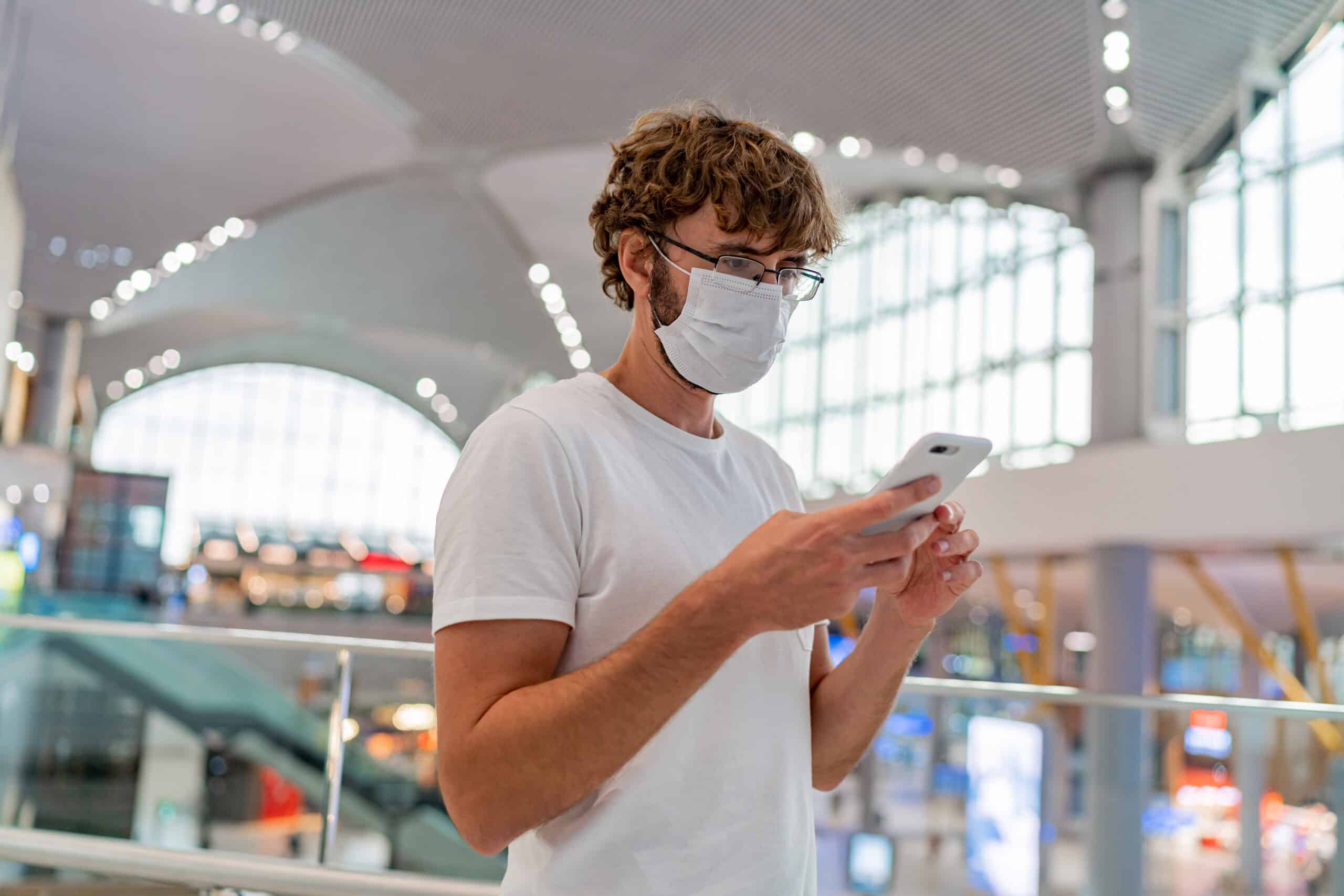
Many phones now default to charge-only and display a prompt before allowing data transfer, which is one reason experts describe classic juice jacking as uncommon in day-to-day travel. Travel + Leisure notes the risk is rare and modern devices have built-in protections, yet airports are optimized for distraction: gate changes, announcements, low sleep, and the pressure to conserve battery all push people to tap allow just to make the warning disappear. A prompt is only as strong as the attention given to it, and in a crowded terminal that attention is often split between screens, boarding lines, kids, and the quiet panic of being at 4%.
ChoiceJacking Shows How Charge-Only Can Be Bypassed
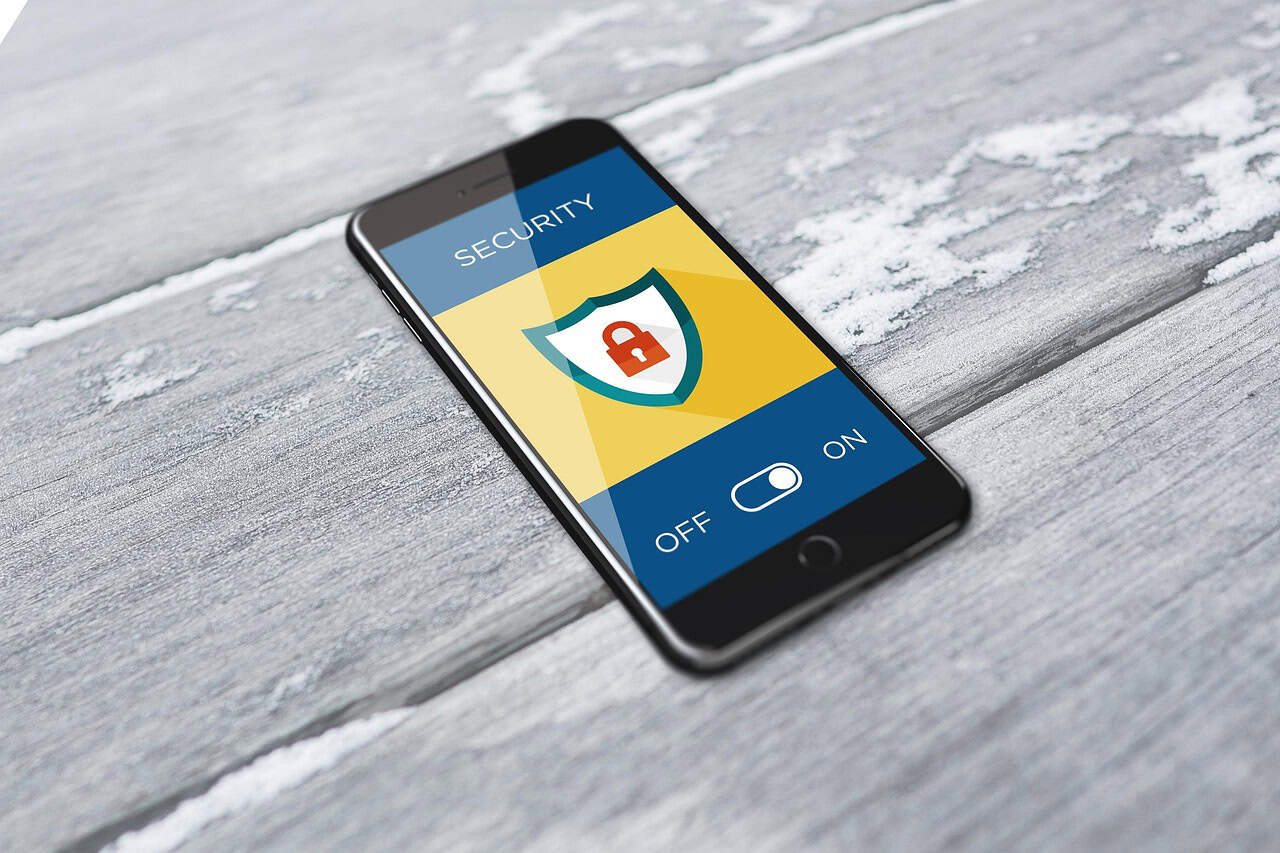
In 2025, Kaspersky described ChoiceJacking, a set of techniques where a malicious charger can trick a phone into enabling data transfer by faking input or exploiting how confirmation is handled. Kaspersky says Apple and Google blocked these methods in iOS/iPadOS 18.4 and Android 15, but also warns protections can vary by device, noting some Android builds may not require biometric or passcode confirmation. That matters in airports because many travelers are not updated, do not know their software version, and cannot diagnose what a station is doing; the safest assumption is that an unknown charger deserves the caution of an unknown laptop.
A Compromised Phone Breaks the Whole Travel Day
Airports concentrate the most fragile digital dependencies into a few hours: mobile boarding passes, airline app logins, rideshare codes, bank alerts, and 2-factor prompts that assume the phone is trustworthy. When security agencies warn about public USB ports, the real fear is not only data theft, but disruption, because malware or monitoring software can trigger account lockouts and recovery loops at the exact moment time is scarce. A small compromise that would be annoying at home can become trip-ending at Gate C12, with missed connections, lost access to reservations, and no easy way to retrieve passwords, codes, or backups in time.
Work and School Devices Raise the Stakes

A personal phone is bad enough, but a work or school device can be tied to email, shared drives, VPN apps, and single sign-on approvals that unlock far more than one traveler’s accounts. That is why many security teams treat unknown USB connections as policy violations: a port can present itself as a data accessory, and any malware foothold may later be used for credential capture, surveillance, or pivoting into internal systems. Even if the probability is debated, the downside is not, so the safest travel habit is to keep corporate devices on wall outlets with a personal adapter or a power bank, and treat public USB as a last resort.
Charging Areas Create Easy Physical Vulnerabilities
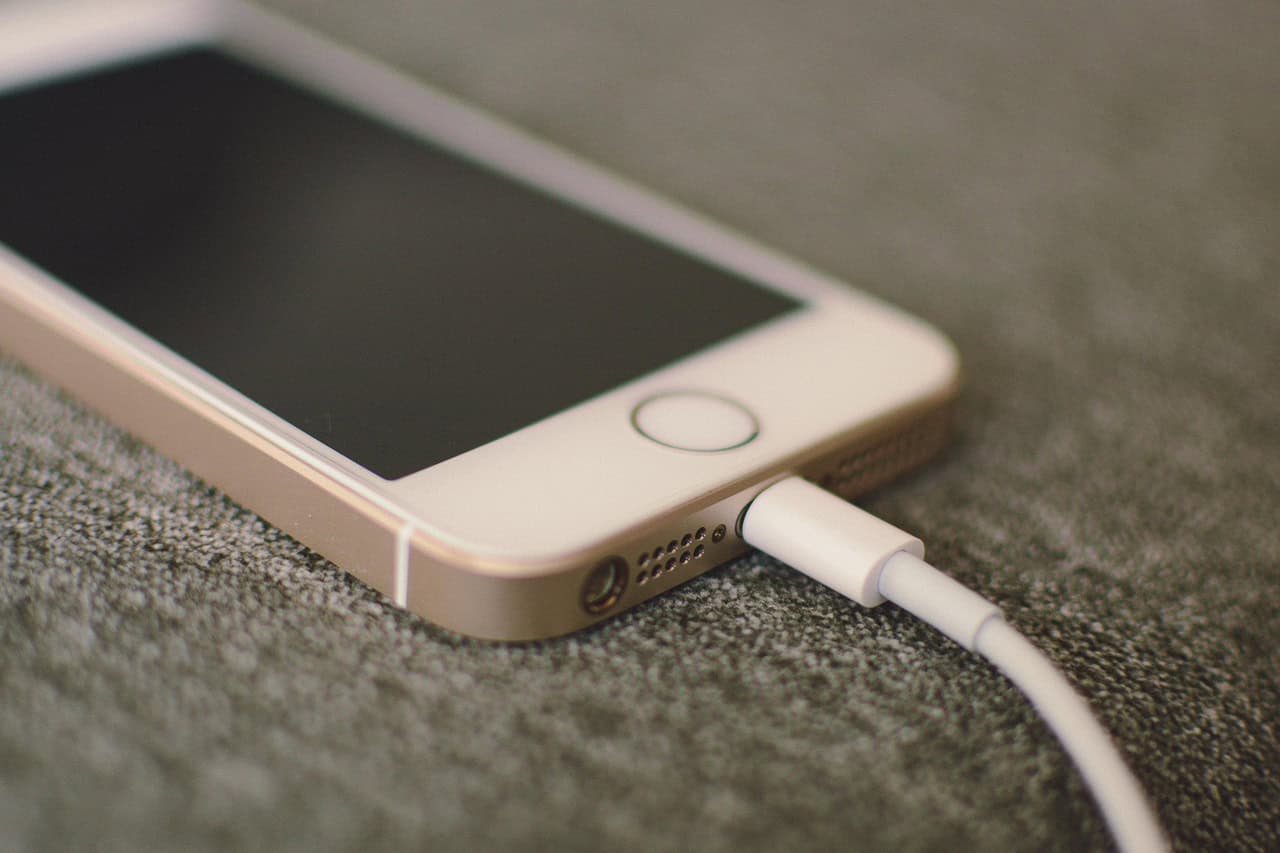
Charging stations also create a predictable physical risk: devices get left on counters, tethered by a cable, while attention drifts to flight boards and boarding groups. In that posture, theft gets easier, and so does quick tampering, because a phone can be picked up, inspected, and put back in seconds, especially when everyone around is doing the same anxious shuffle of bags and announcements. Even without sophisticated attacks, the simple loss of custody matters, because a stolen or briefly accessed device can expose notifications, payment apps, and unlocked sessions, and recovery often starts with proving identity on another screen.