We may earn money or products from the companies mentioned in this post. This means if you click on the link and purchase the item, I will receive a small commission at no extra cost to you ... you're just helping re-supply our family's travel fund.
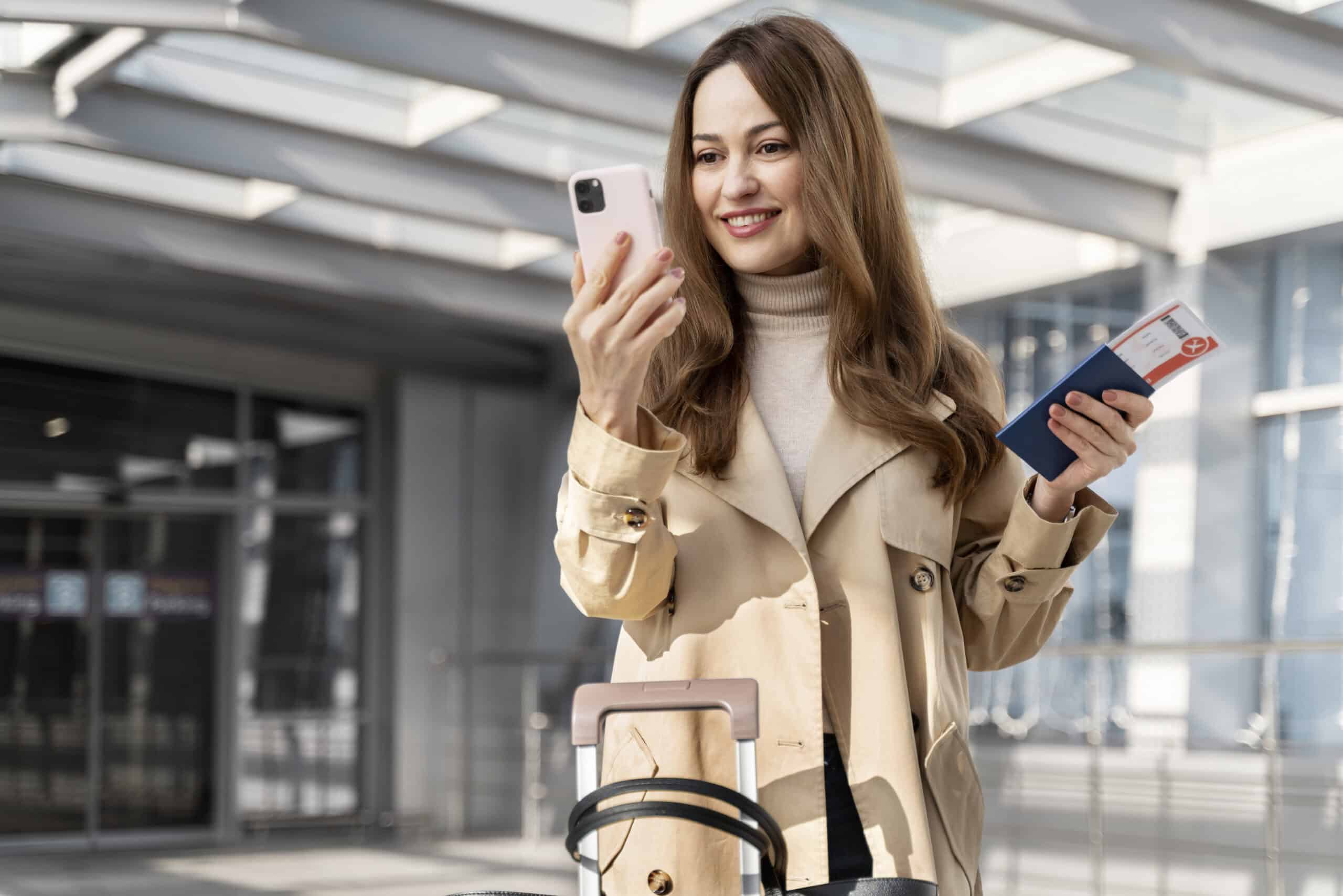
Some visitors flying to the United States have started treating their phones like travel documents: useful, necessary, and a little risky when packed with too much life. At the border, digital privacy can work differently than it does at home, and a routine arrival can include questions about devices. CBP says electronic device searches affect fewer than 0.01% of arriving international travelers. Even so, the possibility nudges travelers toward a calmer approach. The focus is not secretive scrubbing. It is security, minimal exposure, and clean logistics that keep the trip simple.
Minimal Travel Profile, Not A Full Personal Archive
Frequent travelers increasingly arrive with a pared-down device profile that holds only trip essentials: confirmations, maps, transit apps, and the contacts needed for pickup or emergencies. The cleanup often includes deleting old accounts, unused mailboxes, and abandoned social logins that still pull notifications or sync in the background. The point is not secrecy. It is reducing accidental exposure in a busy hall, where a banner alert can spill private names or subject lines at the wrong moment. A smaller, calmer setup also makes it easier to find the right document fast, which keeps the conversation focused on the trip.
Offline Work Files That Should Not Be On A Phone
Many visitors delete offline copies of work documents saved for convenience, especially drafts, client folders, or regulated files that should not travel casually. Employer policies often prefer access through secure portals after arrival, not local storage on a phone that can be lost, stolen, or temporarily held. This is plain data hygiene: carry what the trip requires, protect what belongs to others, and avoid a situation where small talk happens while sensitive files sit one swipe away in a bright, crowded space. It also reduces accidental file sharing when apps suggest recent attachments. It keeps boundaries clear.
Message Attachment Caches That Pile Up Quietly
Messaging apps save more than most people realize: photos, PDFs, voice notes, and forwarded documents that accumulate in hidden folders even after chats look tidy. Before travel, some people clear downloaded media, then disable auto-download so the phone stops collecting new files in the background. It frees space, but it also limits surprises, like an old attachment thumbnail surfacing during a stressful moment. The goal is predictability, and a device that reflects what was chosen for the trip, not months of stray forwards. Clearing caches also prevents storage warnings from hitting at the worst time.
Camera Rolls Stuffed With Sensitive Screenshots
Photo libraries often hold the sharpest risks: passport scans, bank screenshots, medical receipts, visa letters, and one-time codes captured in a hurry. Many travelers delete those images once they are no longer needed, then store critical records in a secure vault or encrypted storage that can be accessed later. It is a simple safety move, because a lost phone can become an identity problem fast. It also prevents confusion if the gallery opens and the first images are documents instead of the trip itself. Many keep only what is required for check-in, then remove the rest. The phone stays a travel tool, not a filing cabinet.
Notes Apps Used Like A Secret Wallet

A surprising number of people use Notes as a catchall for passwords, card numbers, security questions, and copied IDs. Before flying, some travelers delete plain-text notes, then move essentials into a password manager protected by a strong passcode and recovery options. This is less about borders and more about risk control. Notes are easy to forget, easy to search, and unusually revealing when fatigue leads to fast tapping. Even well-meaning reminders, like door codes, can be too much information sitting in plain sight. Some also delete old screenshots pasted into notes, since those can expose the same data twice.
Saved Logins And Auto-Fill Sessions
Auto-fill and persistent logins feel convenient until a phone opens banking, email, or cloud drives with one tap. Some visitors sign out of high-stakes accounts, clear browser sessions, and delete saved passwords from the browser until after arrival. The benefit is practical: fewer accidental opens, fewer lock-screen previews, and fewer moments where a slip reveals a private inbox in a public line. It also reduces harm if the device is misplaced during travel, when recovery can take hours and nerves spike. Some also hide notification previews, so email subjects do not broadcast to strangers nearby.
Location Histories And Background Tracking

Location history, fitness trails, and ad trackers can build a detailed map of someone’s life, including routines, home addresses, and places that reveal family ties. Many travelers clear recent location histories, pause location logging, and revoke background location access for nonessential apps. This is a privacy choice, not a trick. It keeps a travel phone from acting like a personal diary and reduces battery drain on long airport days. Navigation still works when needed, but the device stops recording everywhere it has been. It is the same logic as carrying fewer keys: less to lose, less to explain, and less to worry about.
Old Wi-Fi Networks And Bluetooth Pairings
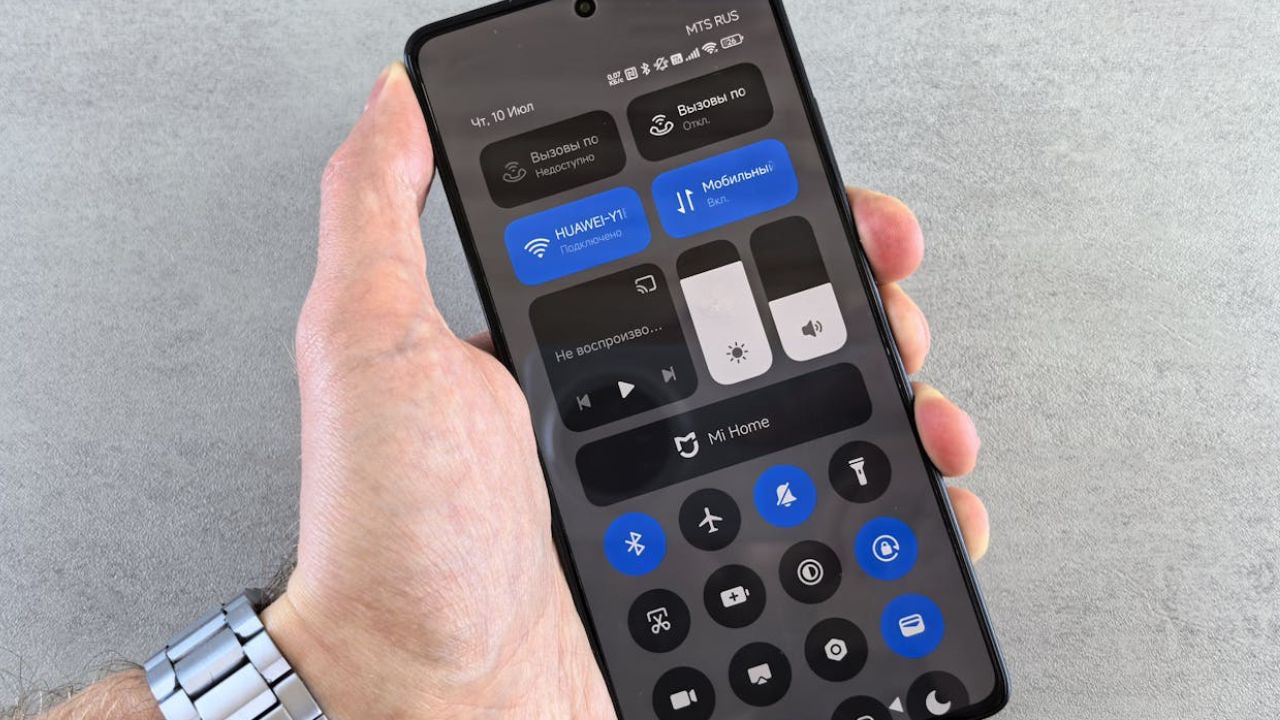
Phones remember airports, cafés, rental cars, and hotel TVs, and those saved connections can create security and privacy problems. Some visitors delete old Wi-Fi networks, forget Bluetooth pairings, and disable auto-join so devices do not reconnect to unknown routers or car systems without notice. It is low-effort protection against sketchy hotspots, random audio leaks, and a phone joining a network named like a familiar chain. The trip feels calmer when connections are chosen deliberately, not accepted by muscle memory in a crowded terminal. It also prevents surprise reconnects during long layovers.
Apps That Spill Private Life Onto The Lock Screen
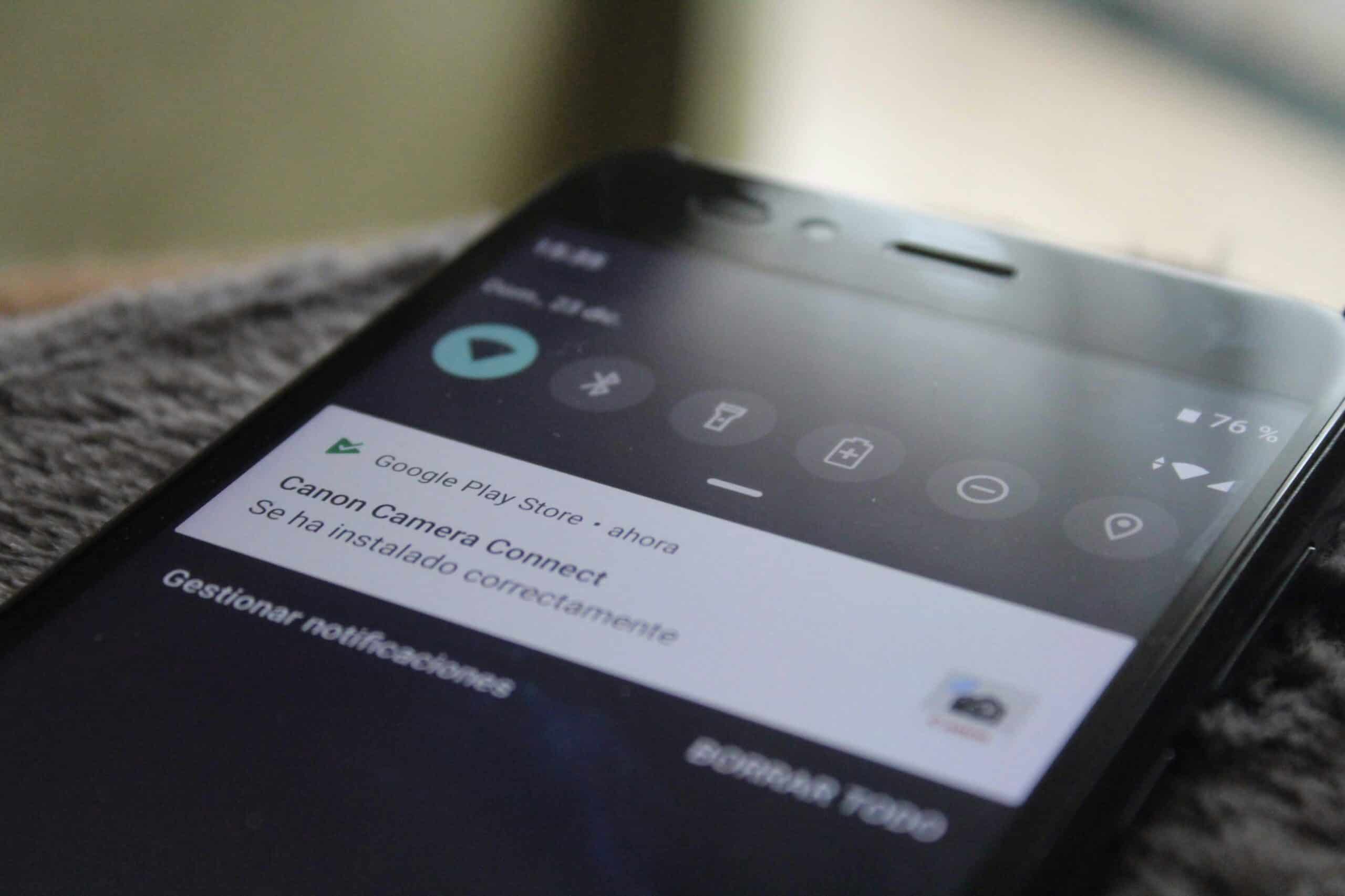
Not every deletion is dramatic. Some travelers remove apps that are noisy, personal, or unnecessary for a short trip because they generate lock-screen previews that spill names, photos, and topics in public. Shopping, group chats, dating, and finance apps are common candidates when notifications cannot be silenced cleanly. The goal is not to erase identity. It is to reduce distractions and stop private life from flashing in a line. A quieter phone helps tired travelers stay focused on documents and answers, and deleting for a week can be simpler than wrestling settings across time zones. Less noise, less risk.
Leave a Reply